
Customize Your Helpdesk
·
1:05

How To: Customize notifications sent from your helpdesk

Learn how to configure the automatic notifications Desk365 sends to agents and contacts throughout the ticket lifecycle.

Transcript

This tutorial is a narration-free screen recording, so there is no spoken transcript. Here is what it covers.

Desk365 will send out automatic notifications to Agents and Contacts based on ticket life cycle events.

You can configure them in the Notifications Tab under the settings option in Desk365.

Watch this video to learn how to set up notifications in your Desk365 helpdesk.
More in Customize Your Helpdesk

2:37

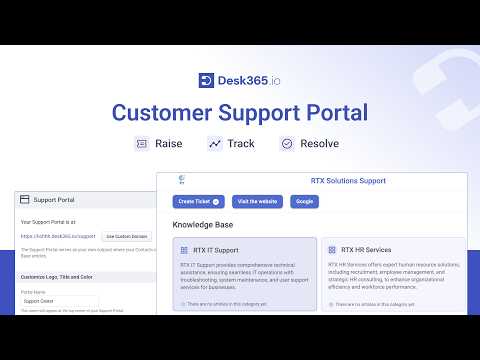
Customer Support Portal | Customize & Configure Your Support Portal in Desk365

Learn how to customize and configure your Desk365 support portal so customers can raise tickets, track requests and find answers in the knowledge base.
Watch video →
4:24

Discover the Customization Features of Desk365!

An overview of Desk365 customization: tailor your support portal, agent roles, ticket fields, forms and workflows to your business.
Watch video →
1:05

How to Change the order of ticket field filters

Learn how to customize the order of ticket field filters in the Desk365 Agent Portal.
Watch video →