
AI Agent & AI Copilot
·
0:51

AI Agent for Customer Support | Desk365

Discover how the always-on Desk365 AI Agent answers customer questions instantly using your knowledge base, website content, files and FAQs.

Transcript

Meet the AI agent in Desk365, your always on support agent. Train the AI agent on a knowledge repository you define, including your knowledge base, website, files, and frequently asked questions. This makes your AI agent a subject matter expert and empowered to answer customer questions instantly and accurately. Customize its personality, decide when it should escalate to a human agent, and deploy it to your website or support portal in just minutes.

Need to control who can manage AI agents? You can configure RO-based permissions separately under RO settings, ensuring only authorized users can access or modify AI settings and credits. The result, faster responses, fewer tickets, and a human team that can focus on higher complexity tickets. Desk365’s AI agent. Smarter support without the extra workload.

More in AI Agent & AI Copilot

2:04

How to Set Up an AI Agent in Desk365

Walk through setting up an AI Agent in Desk365, from creating a training repository to deploying it to answer questions from your knowledge base.
Watch video →
2:04

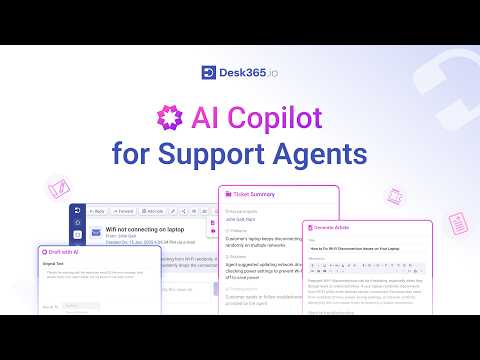
AI Copilot for Support Agents | Desk365 Helpdesk

Meet AI Copilot, the built-in Desk365 assistant that helps agents understand tickets quickly, draft better replies and resolve issues faster.
Watch video →
1:43

Boost Your Ticket Response Time with Desk365’s Draft with AI Feature

See how agents use Draft with AI in Desk365 to craft, refine and translate replies and cut ticket response times.
Watch video →