
Customize Your Helpdesk
·
1:18

How to use Read Only Text Field in Desk365

Learn how to add a read-only text field to your Desk365 ticket forms.

Transcript

This tutorial is a narration-free screen recording, so there is no spoken transcript. Here is what it covers.

Using Desk365, you can create any number of custom ticket fields that can be included in ticket forms.

There are ‘Default’ ticket fields like Subject, Priority, Status, Type, and more that are already part of Desk365.

Other than the ‘Default’ fields you can also add customized fields that are more specific to your own helpdesk.

Recently, we introduced a new ticket field type: Read Only Text. This allows you to make certain fields read only for your end-users.

Here’s a short video on how to use Read Only Text Field in Desk365.
More in Customize Your Helpdesk

2:37

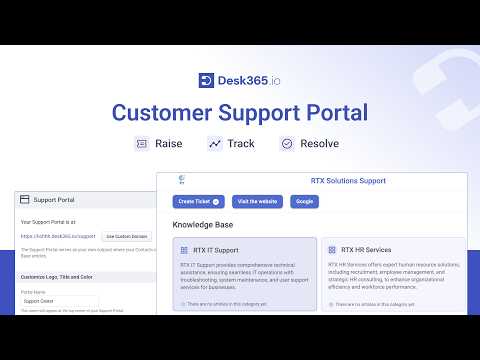
Customer Support Portal | Customize & Configure Your Support Portal in Desk365

Learn how to customize and configure your Desk365 support portal so customers can raise tickets, track requests and find answers in the knowledge base.
Watch video →
4:24

Discover the Customization Features of Desk365!

An overview of Desk365 customization: tailor your support portal, agent roles, ticket fields, forms and workflows to your business.
Watch video →
1:05

How to Change the order of ticket field filters

Learn how to customize the order of ticket field filters in the Desk365 Agent Portal.
Watch video →